🔧 Step 1: Download VMware Workstation Pro
- Visit the official VMware website.
- Choose the version compatible with your OS (Windows or Linux).
- Click Download Now.
📂 Step 2: Run the Installer
- Locate the downloaded
.exefile (usually in your Downloads folder). - Double-click to launch the installer.
- If prompted by User Account Control, click Yes.
- Then please follow instruction
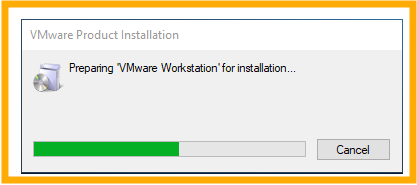
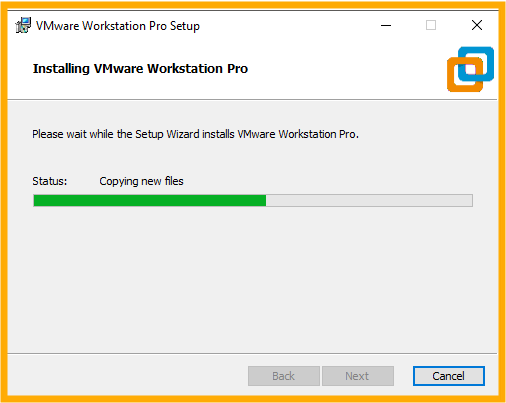
- You will see the progress to be instllation
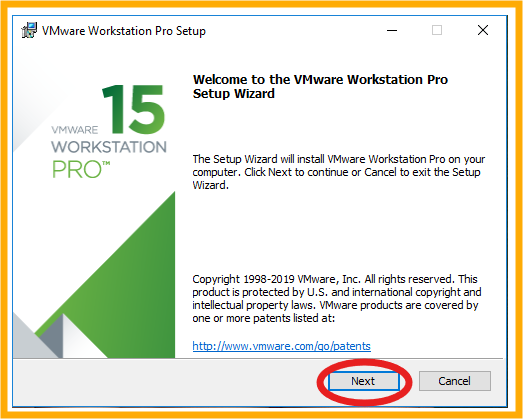
2. Click Next
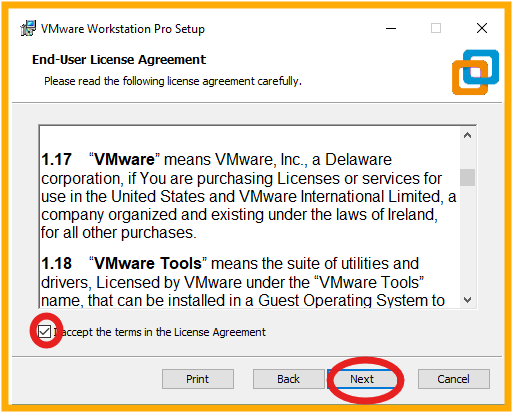
3. Tick on I accept. the terms in the license Agreement and click Next
4. Click Next
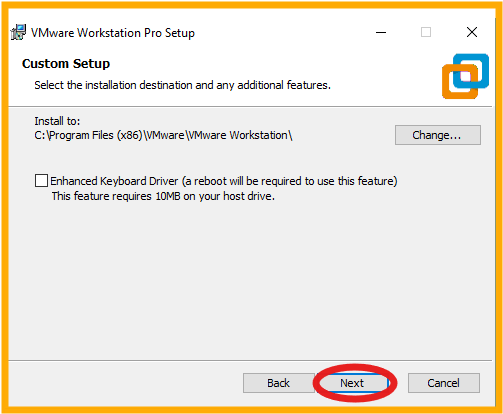
5. Click Next
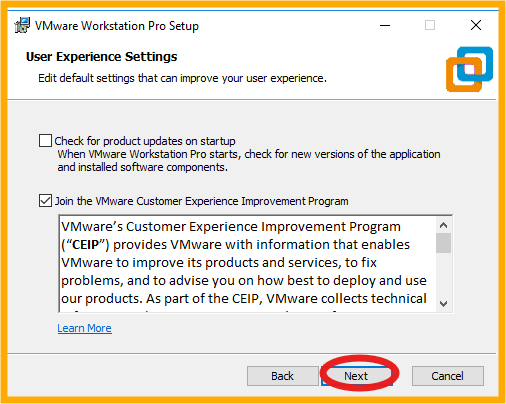
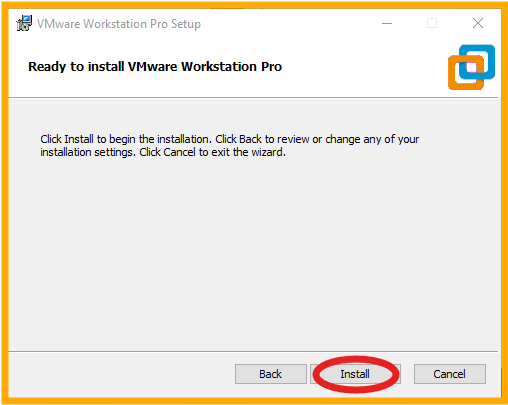
6. Click Install
7. Wait for the progress
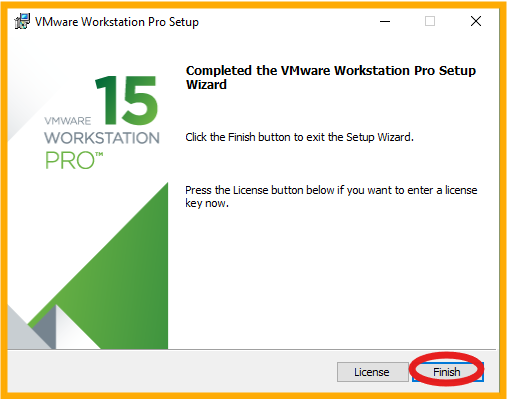
8. Click Finish
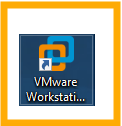
9. After installation finished, you will see the VMware icon on your desktop
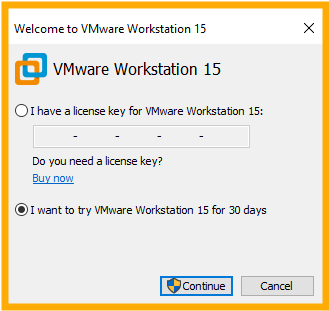
10. Open the VMware and choose if you have a license type your license key, or a trial version and click continue
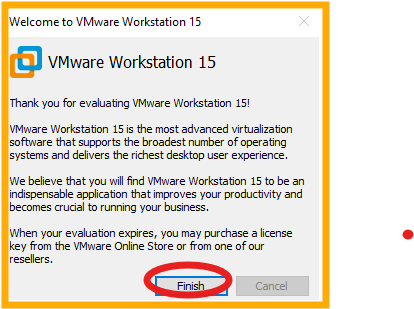
11. Click Finish
12. Finally, your VMware is ready to use.
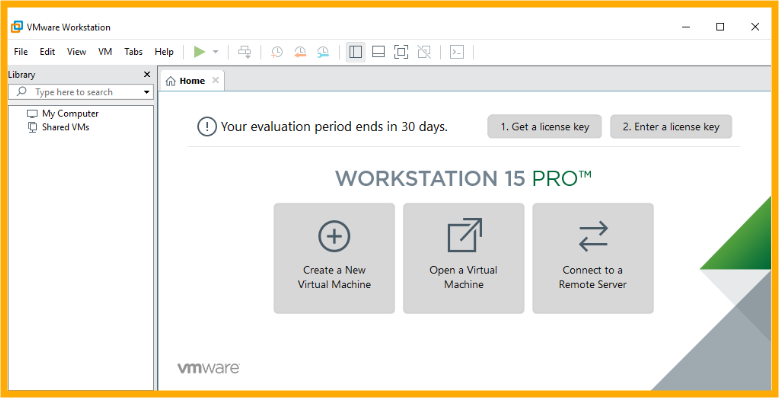
That is the complete installation process of VMware. I hope you will love it. Thank you.